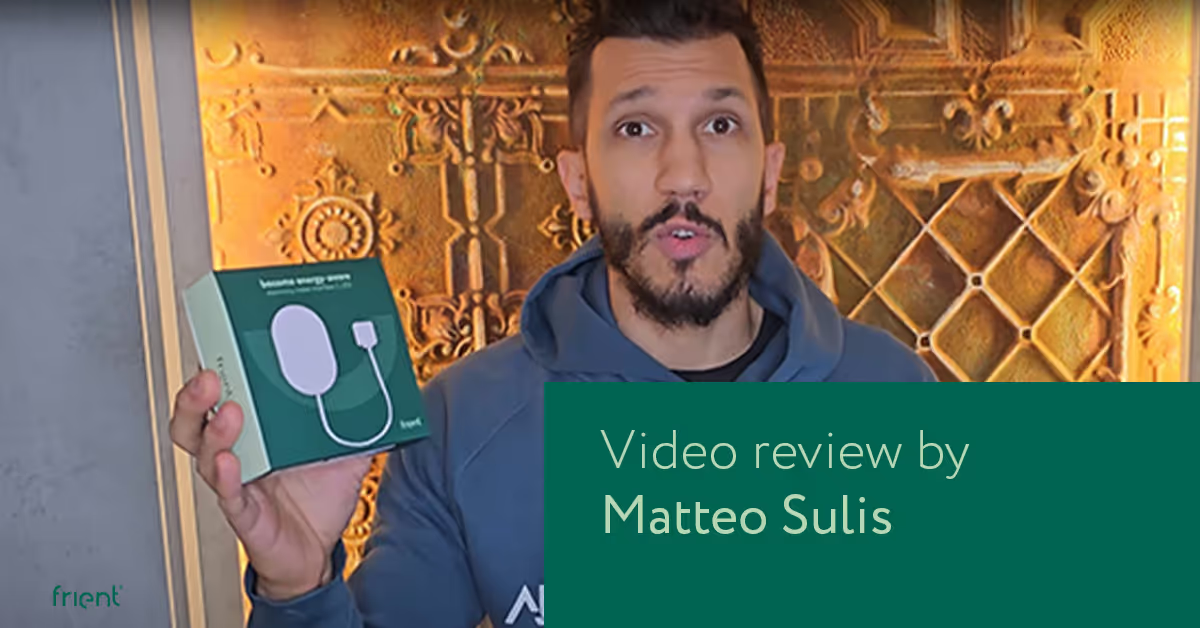
Video review: Smart home YouTuber tests the Electricity Meter Interface 2, LED
Are you looking for an easy way to track the electricity consumption of your household?
Then we would recommend you to check out this detailed video review of the frient Electricity Meter Interface 2, LED – the successor of our popular black Electricity Meter Interface.
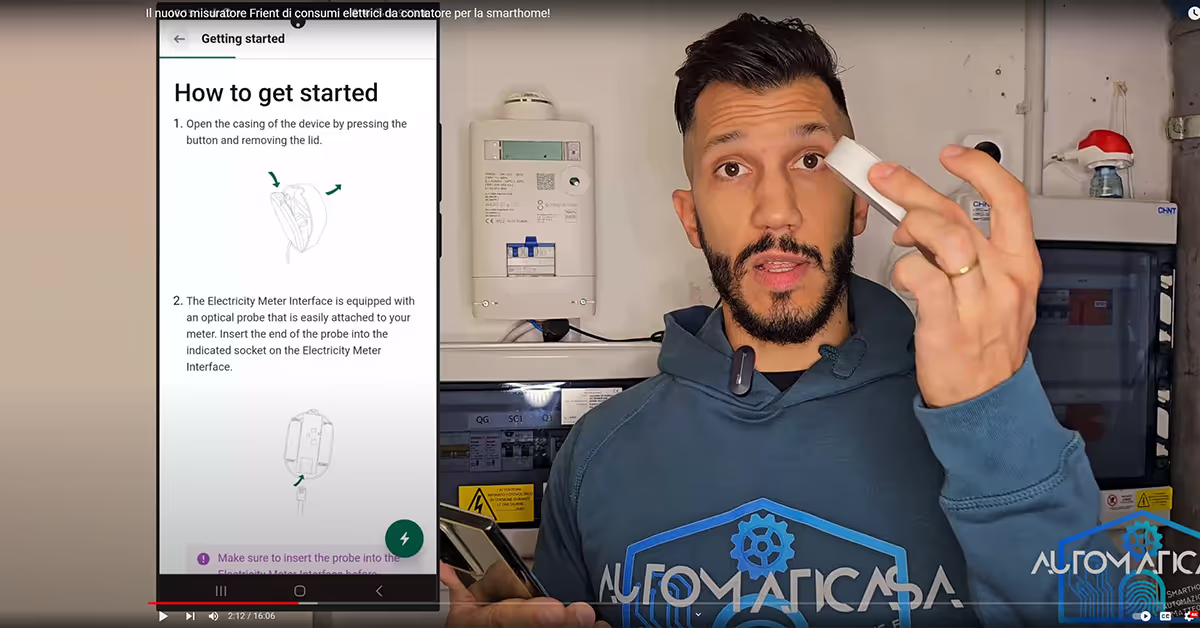
In the video, Italian smart home YouTuber Matteo Sulis walks you through the features and simple installation process of the Electricity Meter Interface 2, LED while offering his thoughts on the device.
He also shows you how to access the new QR code-based product manual that comes with the product – although, that shouldn't require much guidance anyway.
Please note that to get the full functionality of the Electricity Meter Interface 2, LED with SmartThings, you need to install the SmartThings Edge driver for the product. Find all drivers here.
PS. You can add auto-generated English or other subtitles in the YouTube player if you are not fluent in Italian.

Did you get curious and want to try out the frients?
Find out where to buy the frients and make a new best frient today.

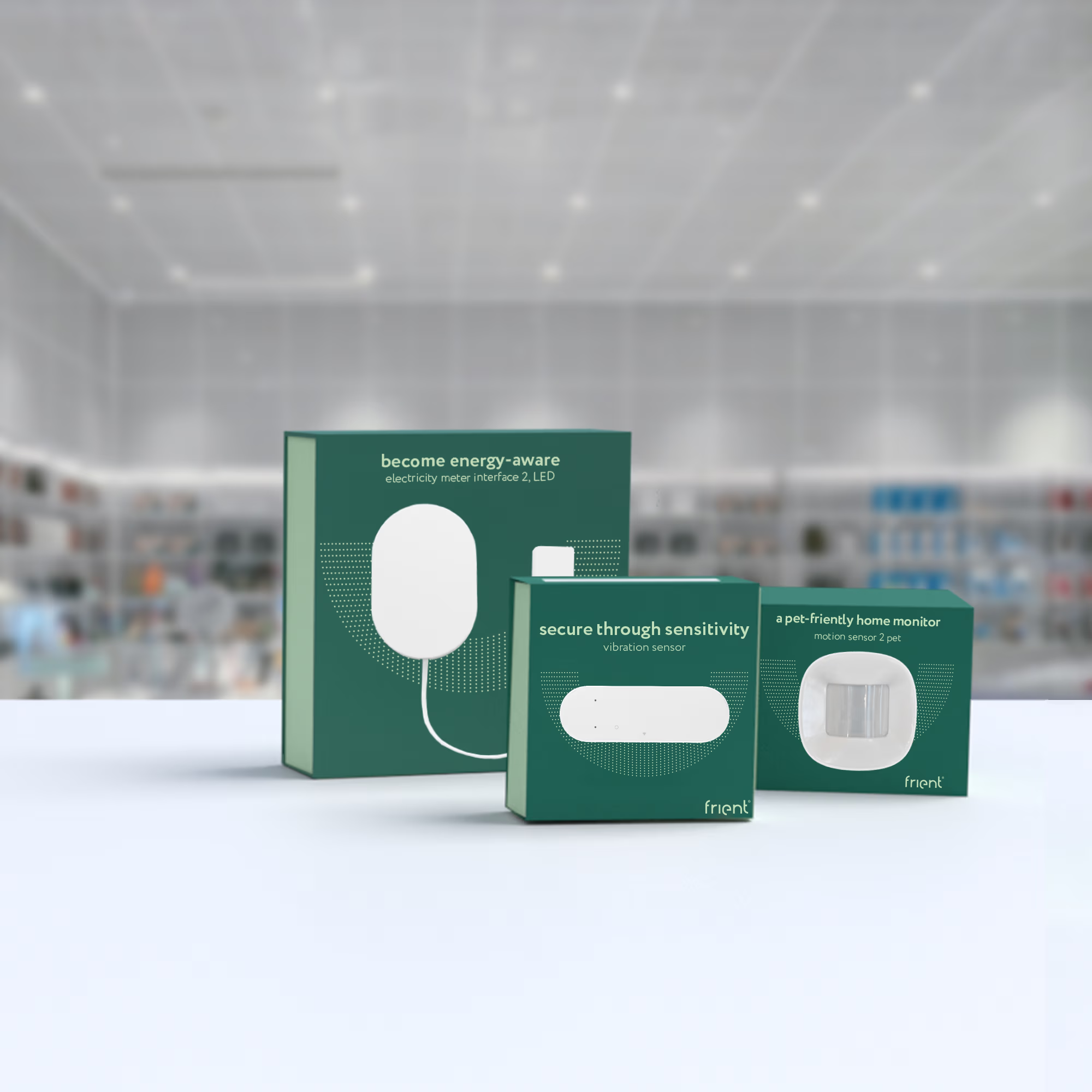
Get to know your new frients
Find out how the Zigbee frients can help you automate your everyday life and protect your home and loved ones.

You want to stay up to date with the latest news on your frients?
Sign up to the friently newsletter.